
Windows 11 Enhances User Experience with Taskbar and Start Menu Customization
Microsoft is rolling out significant updates to Windows 11 Insiders, offering greater flexibility in customizing the taskbar and Start menu. This new iteration focuses on user-centric design, aiming to provide a more personalized and efficient computing experience, particularly beneficial for professionals who rely on seamless workflow and efficient multitasking.
Taskbar Repositioning and Resizing
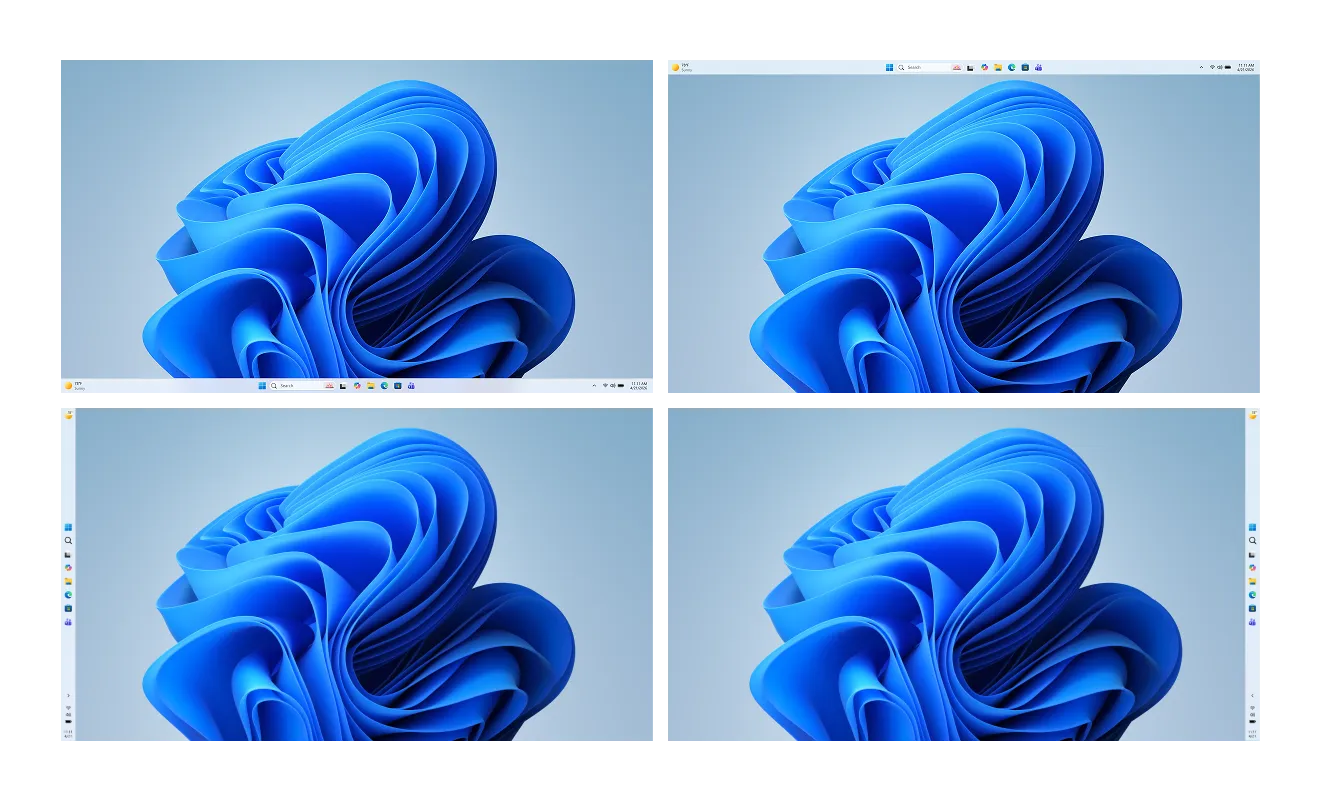
The update allows users to place the taskbar not only at the bottom but also at the top, left, or right of their screen, offering unparalleled positioning flexibility. This feature, initially teased in March, caters to diverse workflow preferences and monitor setups. Users can also adjust the alignment of icons and reposition the Start menu drawer accordingly. For those working with smaller displays or preferring a less cluttered interface, a new “Small” taskbar option is available.
Start Menu Enhancements
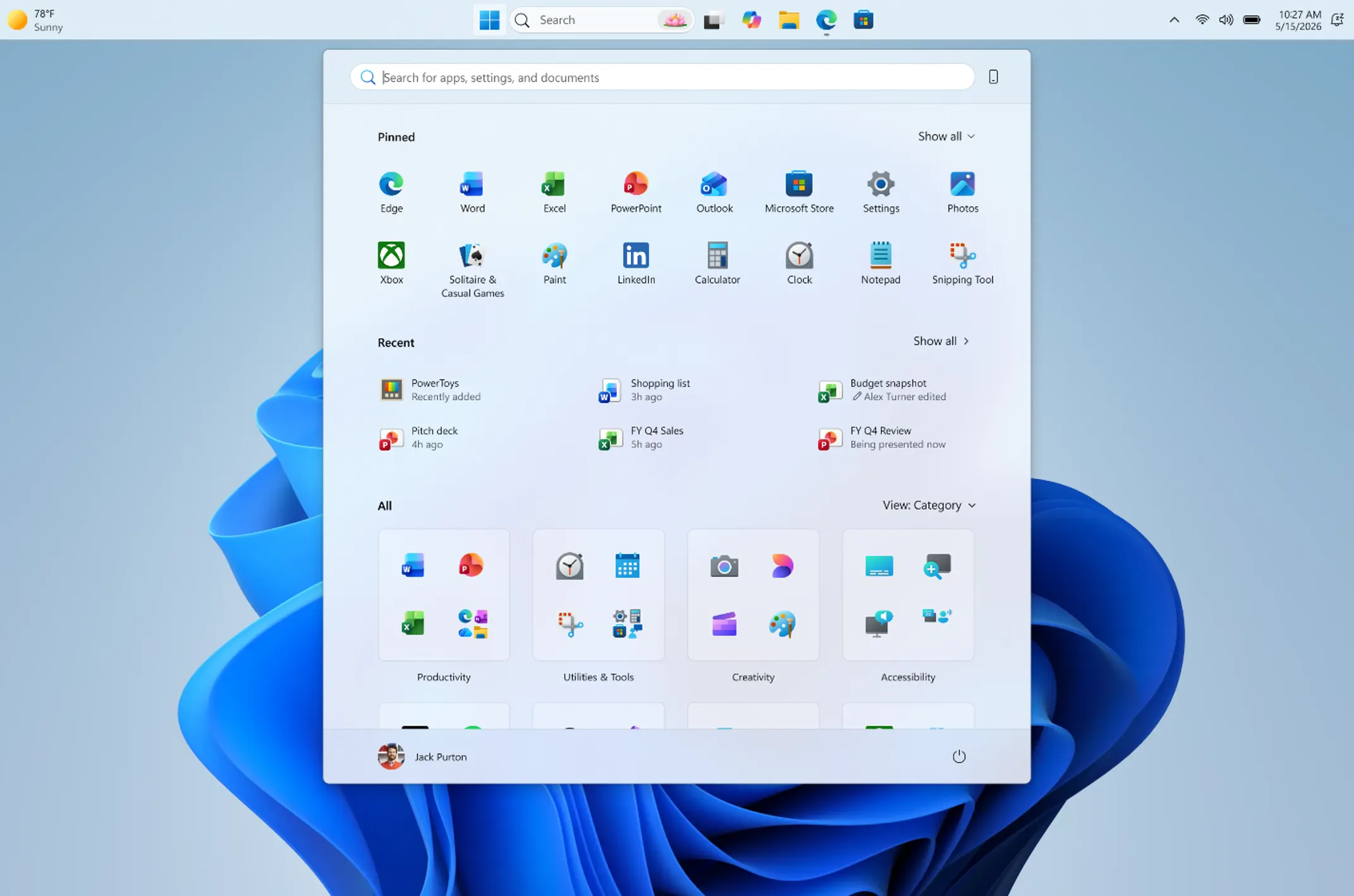
The Start menu also receives an upgrade in customization. New toggles will give users control over displaying the “Pinned,” “Recommended,” and “All apps” sections. Reflecting its primary function, the “Recommended” section is being renamed to “Recent,” better indicating its purpose of showing recently used applications and files. Additionally, users can now choose to hide their name and profile picture from the Start menu, enhancing privacy during screen sharing or presentations.
Enhanced User Interface and Trust Building
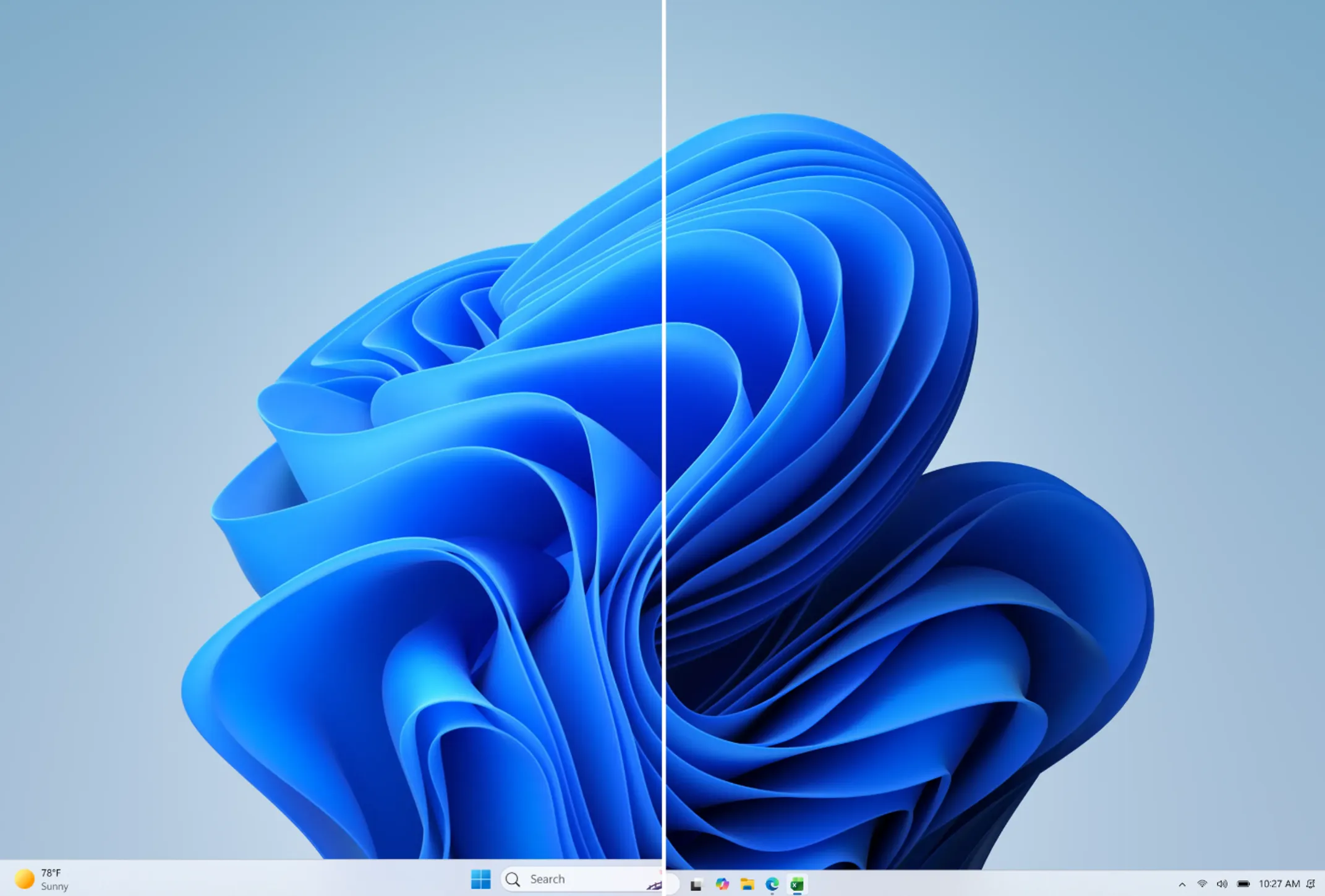
Microsoft emphasizes that these changes are part of a broader effort to build user trust through tangible improvements. By offering more control over fundamental interface elements like the taskbar and Start menu, the company aims to address user feedback and create a more intuitive and responsive operating system. These updates are expected to roll out widely in the coming weeks, empowering users to tailor their Windows 11 experience to their specific needs.
Business Style Takeaway: These user-driven customization options for Windows 11 reflect a growing trend in software development towards personalization and efficiency. For professionals, the ability to fine-tune taskbar placement and Start menu content can significantly streamline workflows, reduce distractions, and enhance productivity, especially for those managing multiple applications or presenting content. This focus on user control positions Windows 11 as a more adaptable tool for the modern business environment.
Learn more at : www.theverge.com